

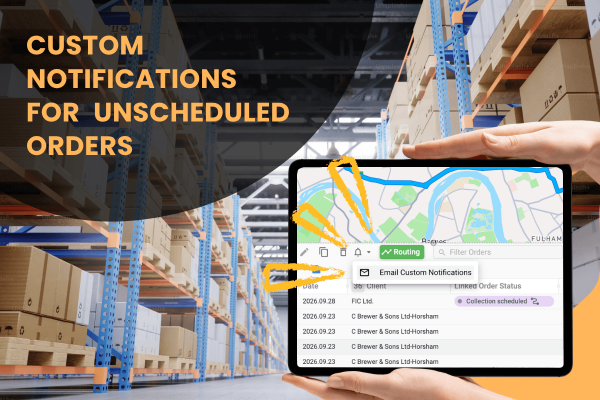
Custom Notifications for Unscheduled Orders
Custom SMS and email notifications can now be sent to unscheduled orders, up to 100 at a time, using the same templates already available for routes. Available on all plans.
Read More
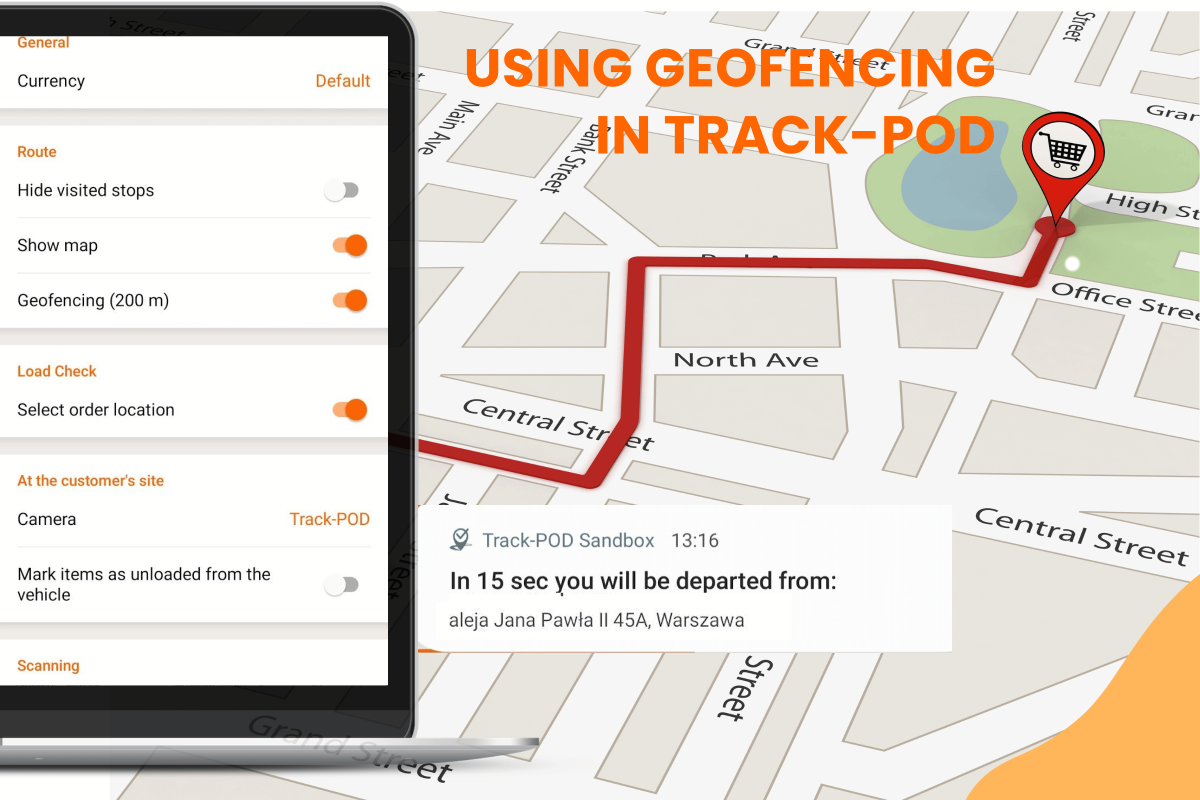
Geofencing isn’t just a fancy term. It’s a practical feature that makes managing your fleet simpler. When drivers approach a stop, Track-POD’s geofencing logs their arrival automatically. This removes the need for manual check-ins and even reduces the dependence on a truck dispatcher to take the next step.
On this page:
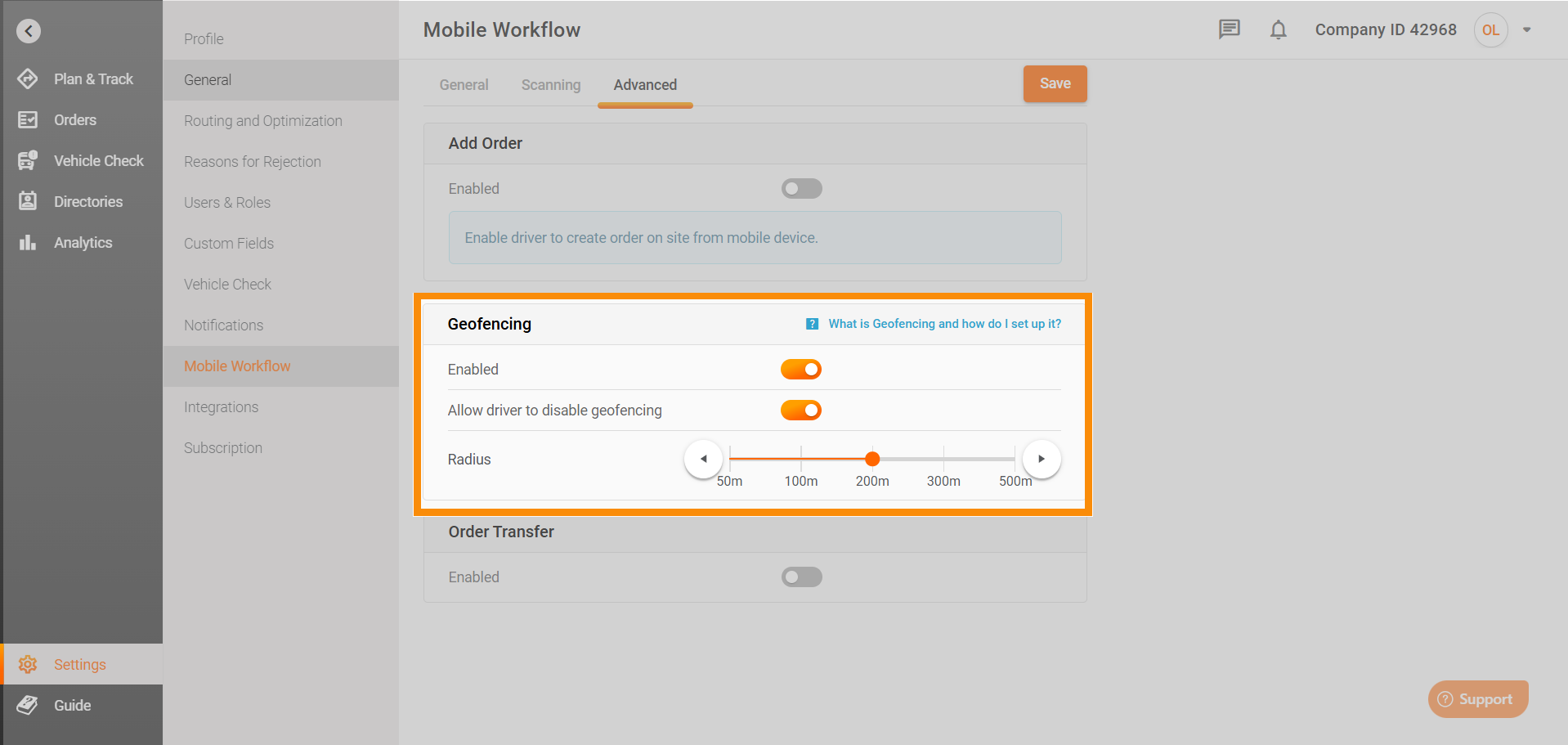
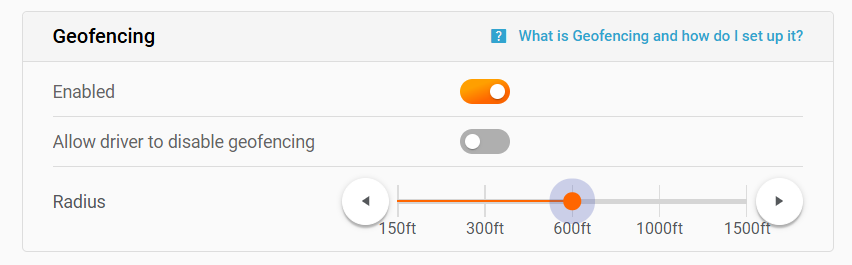
On the desktop, head to Settings > Mobile Workflow > Advanced > Geofencing. Here, you control three key options:
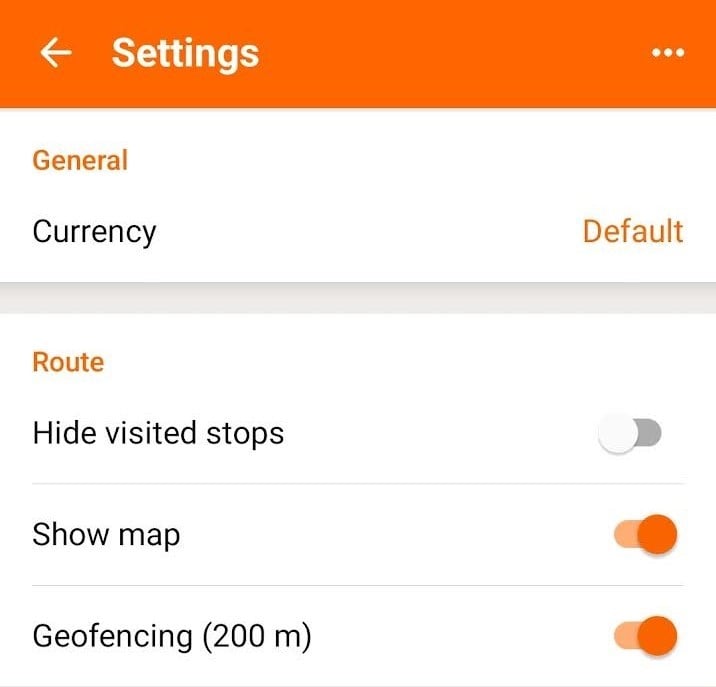
Real-life scenario: A dispatch manager ensures drivers are automatically checked in as they approach each delivery, streamlining operations and cutting down on manual paperwork.
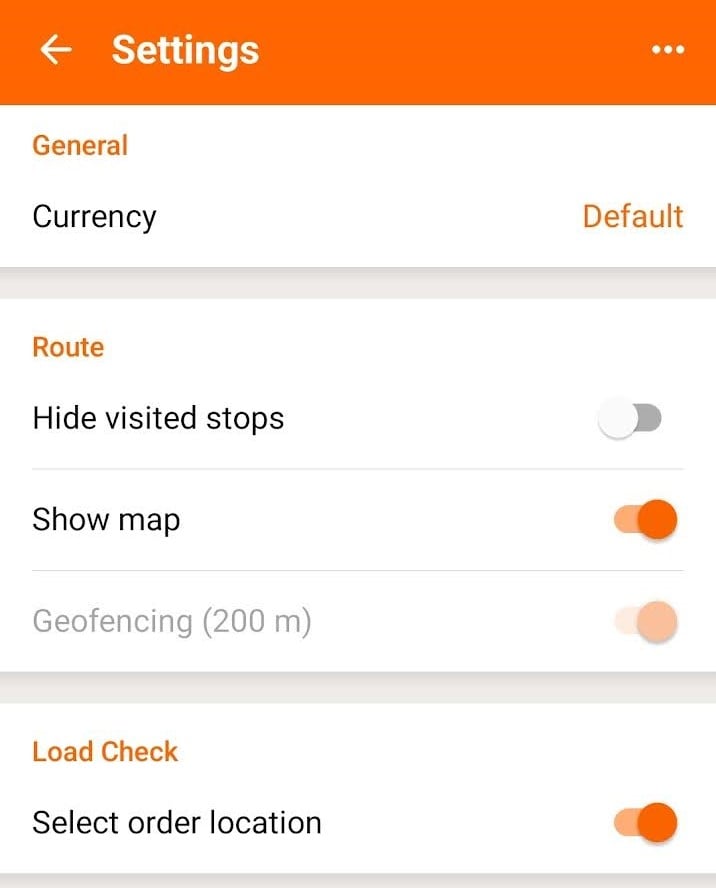
Real-life scenario: In areas with unreliable GPS or during technical issues, drivers can temporarily disable geofencing, ensuring that the system remains flexible.
Real-life scenario: A luxury goods courier might choose a tight radius to confirm arrival precisely, while a regional delivery service might opt for a broader zone to capture drivers early and better manage fuel consumption.
When active, the system logs an arrival without the driver having to click anything. With Track-POD's geofencing, you can know for certain whether deliveries were made, and can monitor and direct driver activity based entirely on location data.
Most importantly, with Track-POD's geofencing, you can know for certain whether deliveries were made, and can monitor and direct driver activity based entirely on location data:
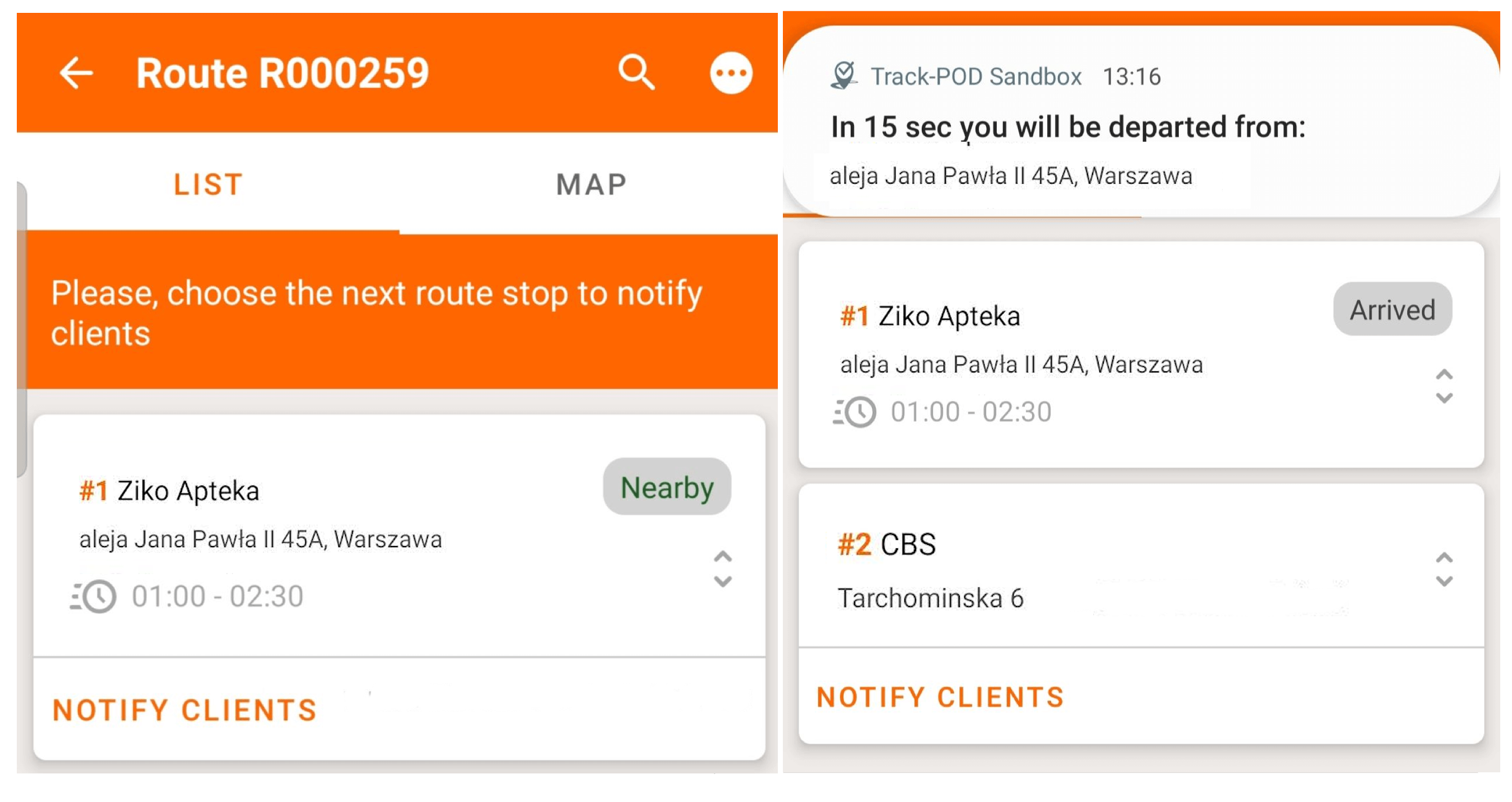
Geofencing also seamlessly automates critical issues:
Real-life scenario: An urban delivery service relies on automated check-ins to instantly record arrivals and departures, letting dispatchers focus on optimizing routes rather than chasing down check-ins.
Real-life scenario: If a driver strays from the planned route, an alert is triggered, enabling dispatchers to step in quickly and adjust routes, ensuring timely deliveries while also managing time slots effectively.
Real-life scenario: A customer receives an automated text as soon as the driver enters the delivery zone, reducing uncertainty and enhancing satisfaction.
Real-life scenario: A fleet manager uses geofencing data alongside insights from our article on enterprise fleet management to optimize operations and reduce operational hiccups.
Track-POD’s geofencing transforms raw GPS signals into a powerful tool for your logistics operations. By automating check-ins and providing real-time data without extra fuss, geofencing keeps your delivery process running smoothly and reliably. And when it comes to proof of service, it ties in perfectly with our proof of delivery solutions, ensuring every delivery is verified and documented.
Custom SMS and email notifications can now be sent to unscheduled orders, up to 100 at a time, using the same templates already available for routes. Available on all plans.
Read More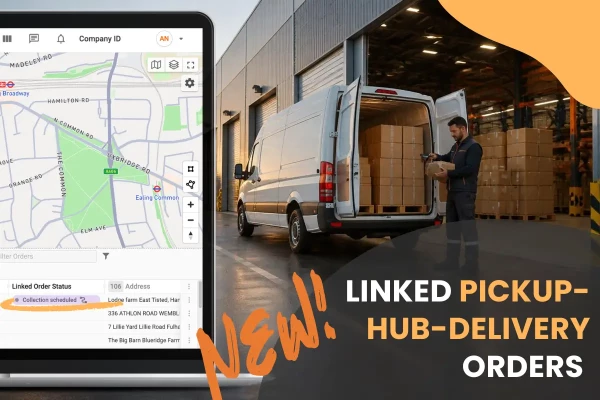
The pickup and delivery legs of a Pickup-Hub-Delivery order are now linked in Track-POD. A new Linked Order Status column shows where the paired order is, so dispatchers know when goods have reached the hub. Available on all plans.
Read More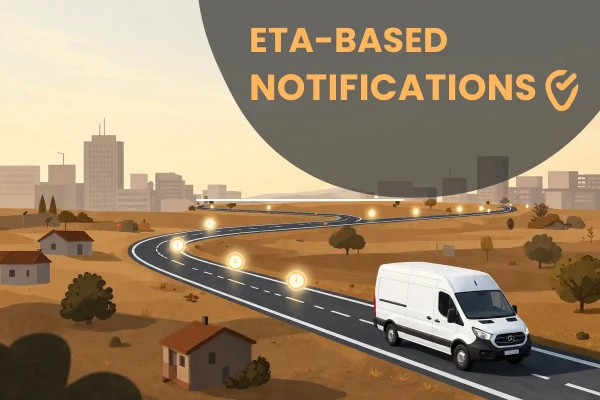
Scheduled delivery notifications in Track-POD can now go out a set time before each stop's planned ETA. Every customer on the route hears from you at the right moment, including on multi-day routes. Available on the Ultimate plan.
Read More